
How to Record Audio?
Introduction Cool Record Edit Pro can be used to record any sound from microphone, line-in, streaming audio from Internet or music played by media player software and so on. The …
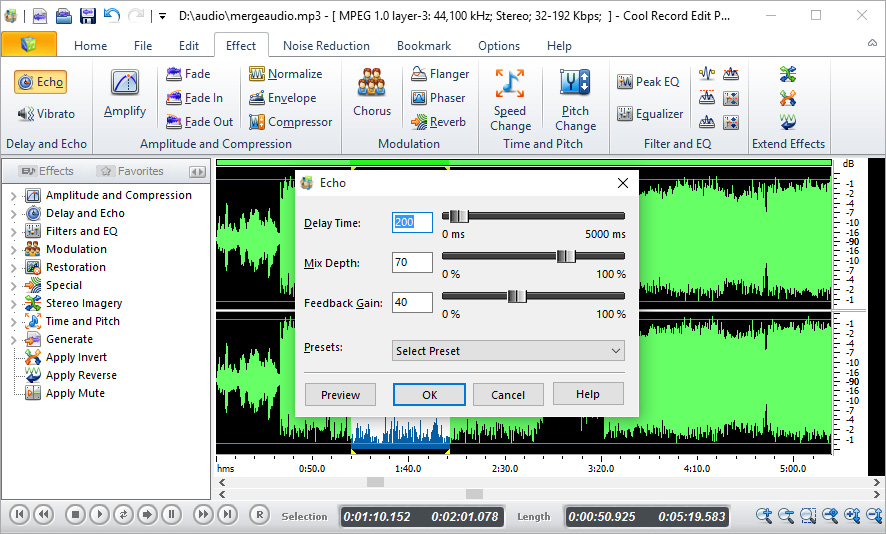
Cool Record Edit Pro is able to record audio from any sound source or input losslessly, like sound being played by media player apps, sound from a microphone, an external LP, cassette, CD/DVD player, AM/FM/Satellite radio, etc. It can also schedule recording to save your beloved online music or radio broadcasting when you are not around.

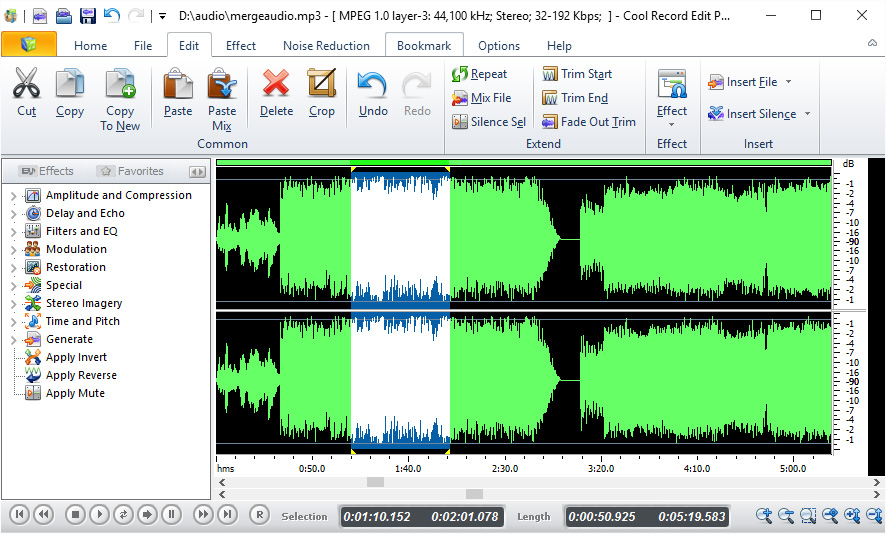
Editing operations like cut, copy, paste can be done on a waveform in a split second. You can trim music to remove the unwanted parts, mix/insert another track with current audio file, add bookmark/region marker to jump to marked point/section, undo/redo any operations, etc., millisecond-level precision. And don’t forget the ID3 Tag & WMA Info editor.

Enhancing audio is the most exciting part to make your audio artistic, unique and stylish. You can fade in/out, add echo, change speed/pitch, amplify, normalize, equalize, reverb, reverse, apply many filters and more. It also reduces noises from audio. Every effect can be adjusted via presets or parameters and real-time preview is supported.

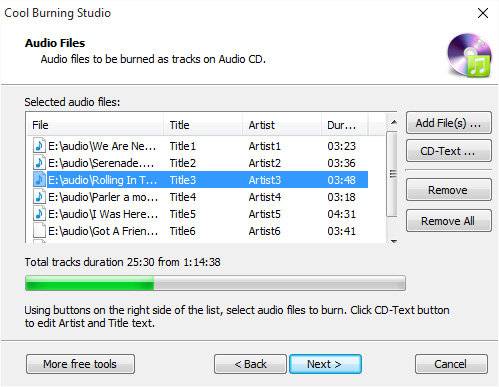
Wide range of supported formats enables you to process recordings and audio files and save them to playable formats on any devices to share with friends and families. You can also create a music CD from them with editable CD text & optional burning speed. The wizard will help you through each step from inserting disc to getting burned CD.
This program does everything users have hoped for. Amazingly it can be used to record voice from microphone, internet streaming audio or music played on any devices.

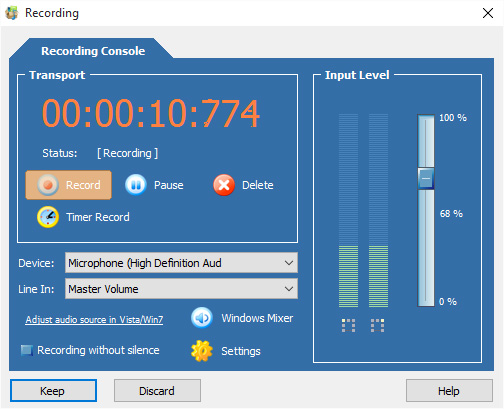
Introduction Cool Record Edit Pro can be used to record any sound from microphone, line-in, streaming audio from Internet or music played by media player software and so on. The …
Introduction Cool Record Edit Pro allows you to visually edit any part of the audio file with various operations such as cut, copy, delete, paste, etc. In this post you …
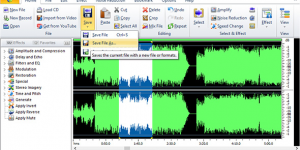
Introduction Cool Record Edit Pro has a wide range of effects that can be applied to your audio file. Over 20 built-in effects and filters are provided to make your …
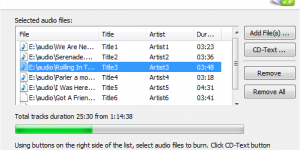
Introduction Cool Record Edit Pro has a built-in Audio CD Burner to create playable audio CD for those who are music fans and have several GB of songs stored in …
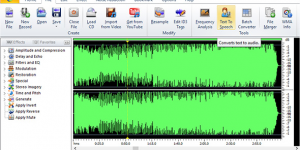
Introduction Cool Record Edit Pro provides voice synthesis to convert text into spoken audio so that you can create WAV/MP3/OGG/WMA files for use on portable devices like iPods, PocketPCs and …